
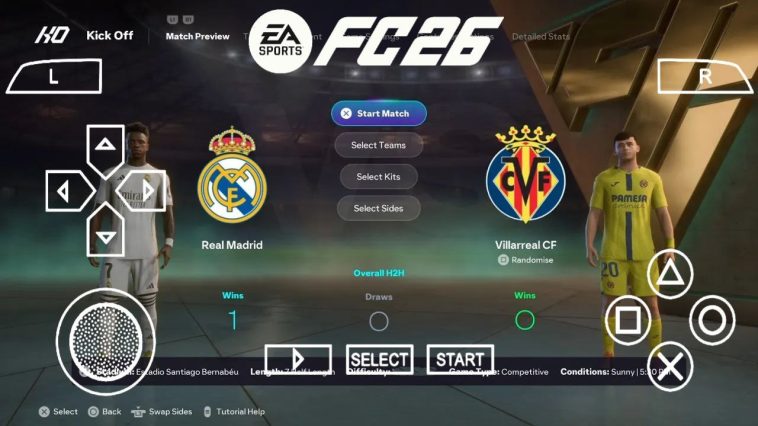
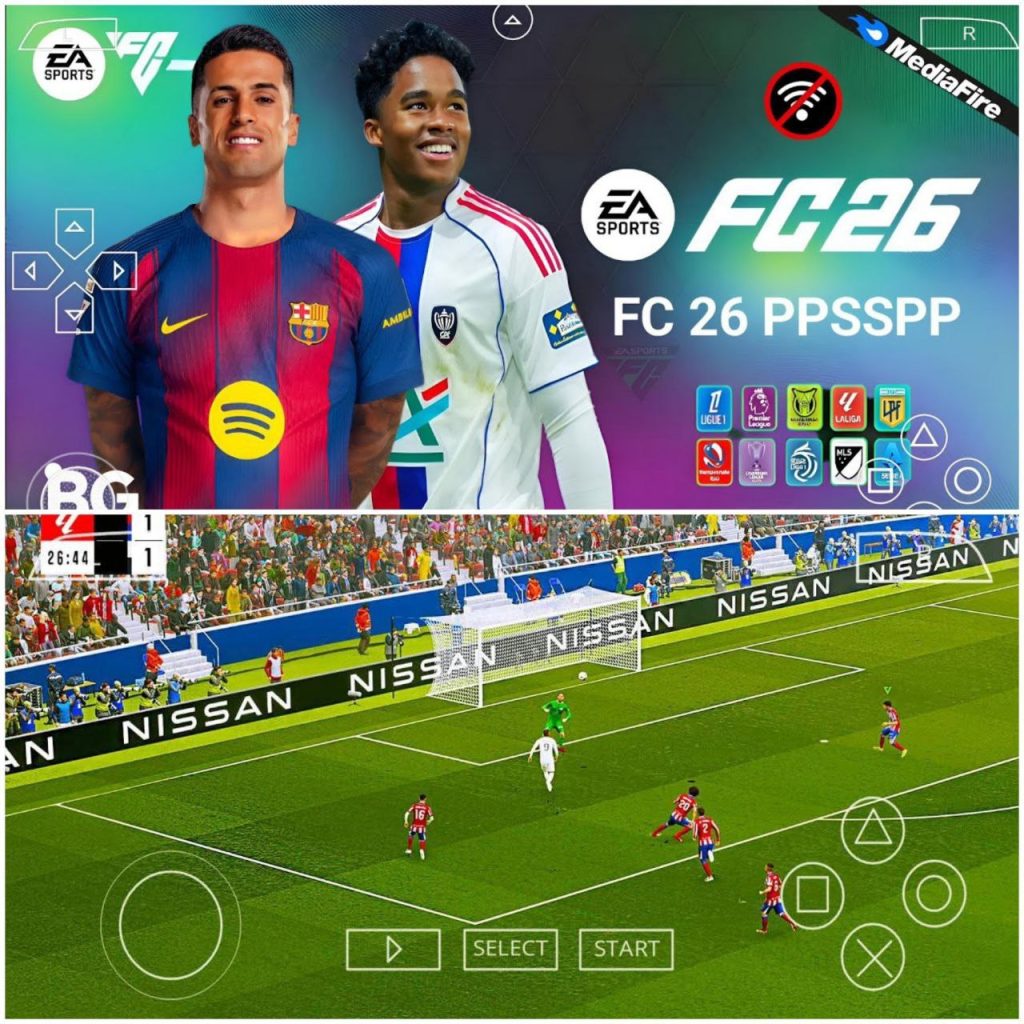
FIFA 2026 PPSSPP Mod FC 26 ISO, If you have clicked on this article, it means you are a football game lover and are looking to get something fresh for your device. Maybe you are tired of the football games on the playstore and want to try something else or you are looking to get your first ever football game on android, or maybe you have heard of FIFA 2026 on PPSSPP and decided you get more info about it. Whatever category of people are falling under, I can tell you for a fact that you are in the right place.
So let’s dive right straight into it, the FIFA 2026 PPSSPP Mod FC 26, what is this all about? And why should you get it on your device?
First what you should know is that this is not an official game for EA, this company has not made any game for PSP recently. What you have found is a modified version from an older game that has been rebuilt to feel and look like the latest FC 26 from EA, while still keeping some amazing features you would not normally get on the official version.
We are talking about full offline access, lightweight, no purchases required, no frequent updates, no ads, no pop ups, no distractions, just you and your game. This updated version also comes with HD textures while still keeping it completely light.
What is this Mod? full Breakdown
Whenever you hear the word Mod, just know that it is not an official version of a game or app, but rather a modified version that has been reworked on, by a group of developers called the Modders. The FIFA 2026 PPSSPP Mod FC 26 is not different, there are three main parts that have made this game a special version among many out there.
- The ISO: I would call this the core of the name, the original PSP FIFA file, which includes the commentary, game play mechanics, the animations, player reactions and so much more. This mod doesn’t really change the game play at its core, but has modified a few things to actually make it feel better, react more responsively and smoother.
- The save Data and Database: This is where the whole magic of this game happens, this is where the older game is transformed to this modern standard game that everyone loves. The ‘Save Data’ and ‘Edit Data’ options is a very powerful feature, for most consoles this is what players use to save their progress, but for modders they use this as a back door to completely modifier games. On this version, they have worked on the transfers, teams, game structure and so many other things. You get to enjoy the latest 2026 on this. Kylian Mbappe in Madrid new jersey, Haaland at Etihad, Dembele the Balon d’Or winner at PSG, Isak at Liverpool, Cunha at Manchester United and so on.
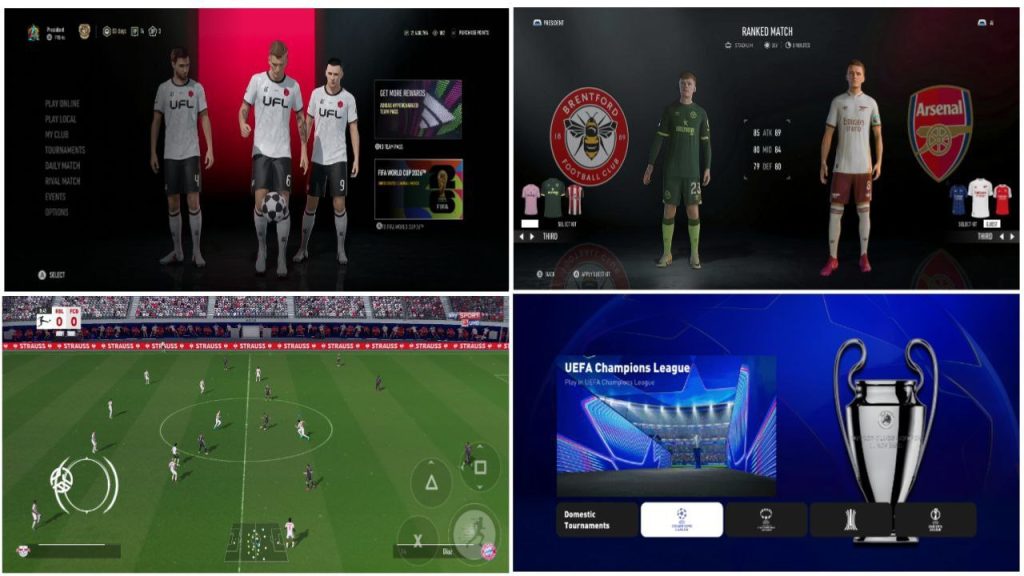
- HD Textures: if you know the original PSP game, you would know it wasn’t designed for high end devices, they used the 480 by 272 pixels, and for modern phones this would look very blurry. That is where the HD textures come in. These modders have given the graphics look to this version, we are talking about Crisp and detailed kits, updated for all teams (Main, Second and Third kits), sharper and realistic player faces, and yes they look like their counterparts, recognisable. Also you get updated menus, logos, balls, boots, gloves, nets and even better looking stadiums.
So, but the three together the ISO, the Data and the HD textures, and then you got the FIFA 2026 PPSSPP Mod FC 26.
Top Features:
Now you know how this game has been constructed and rebuilt, let’s talk about some for eh top features you would be getting on this game:
- Complete 2026 Season Transfers: We have talked about this already, this is one of the reasons this game is called a 2026 game, it has all the latest transfers of all your favourite clubs.
- PSP Career Mode: One of the best features in this game is this deep, fresh and entertaining career mode. You get the liberty to sign new players, scout for new stars and build your team from the ground up.
- 100% Offline: No internet no problem, no part of playing this game is going to require an internet connection, you just dive right in, wherever and when ever, you don’t have to worry about your WiFi being at the right speed, or trying to dodge ads.
- Classic HD Textures: The modders have taken time to work on the graphics and textures on this game, the kits, stadium, players even menus have been carefully replaced with modern and realistic ones.
Potential Downsides: FIFA 2026 PPSSPP Mod FC 26 ISO
Just like every MOD this version also have a downside, and I think you should know about it before trying to get the game.
You must understand that this is not an official version, so the Modders have missed just a few things, some player ratings are off, some menus may seem inconsistent, the commentary too could be better.
Installing can also be a problem for many, it takes a couple of steps, but I will take time to show you exactly how to install it today.
How to Install this game a complete Guide
Make sure you have the PPSSPP emulator on your phone you can download it on playstore.
Use the link below to download the the game files, they may be zipped, or come differently. It usually comes in 3 files; The Base ISO for installation, the 2026 Data file (named ULUS10566.BIN or similar) and the HD texture pack (Mostly zipped).
After downloading, if it comes in a zip file, unzip it.
1.Place FIFA.iso in a folder that you can easily access in your PPSSPP app.
2. Go ahead to launch the game.
3. Next, create a new career, this is to create the correct folder structure.
4. Now, close the PPSSPP emulator, use your file manager to navigate to PSP/PPSSPP_STATE/SAVEDATA/.
5.Find the newly created folder (named after the game’s ID) and then replace the ULUS10566.BIN file inside it with the modded 2026 version (you downloaded earlier and you are done with the game data.
6. For the HD textures, extract the downloaded texture pack .zip file. Inside of it, you will find a folder with a long number/name (something like ULUS10566)
7. Copy the whole folder to the device’s path: PSP/TEXTURES/.
8. Open your PPSSPP emulator, and then go to Settings > Tools > Developer Tools and enable Replace Textures.
9. Open the game, go to the game’s Load Career option, and then your 2026 modded save should be there. All other things too should be updated.
You can set the graphics according to your preferences. You are all set now to play and enjoy your game.